Describe what you want
Start with a subject, place, color palette, mood, or visual style.
Create from a prompt or photo
Describe a scene, mood, subject, or style. Backdrop turns it into a phone-first wallpaper with space for the things already on your screen.
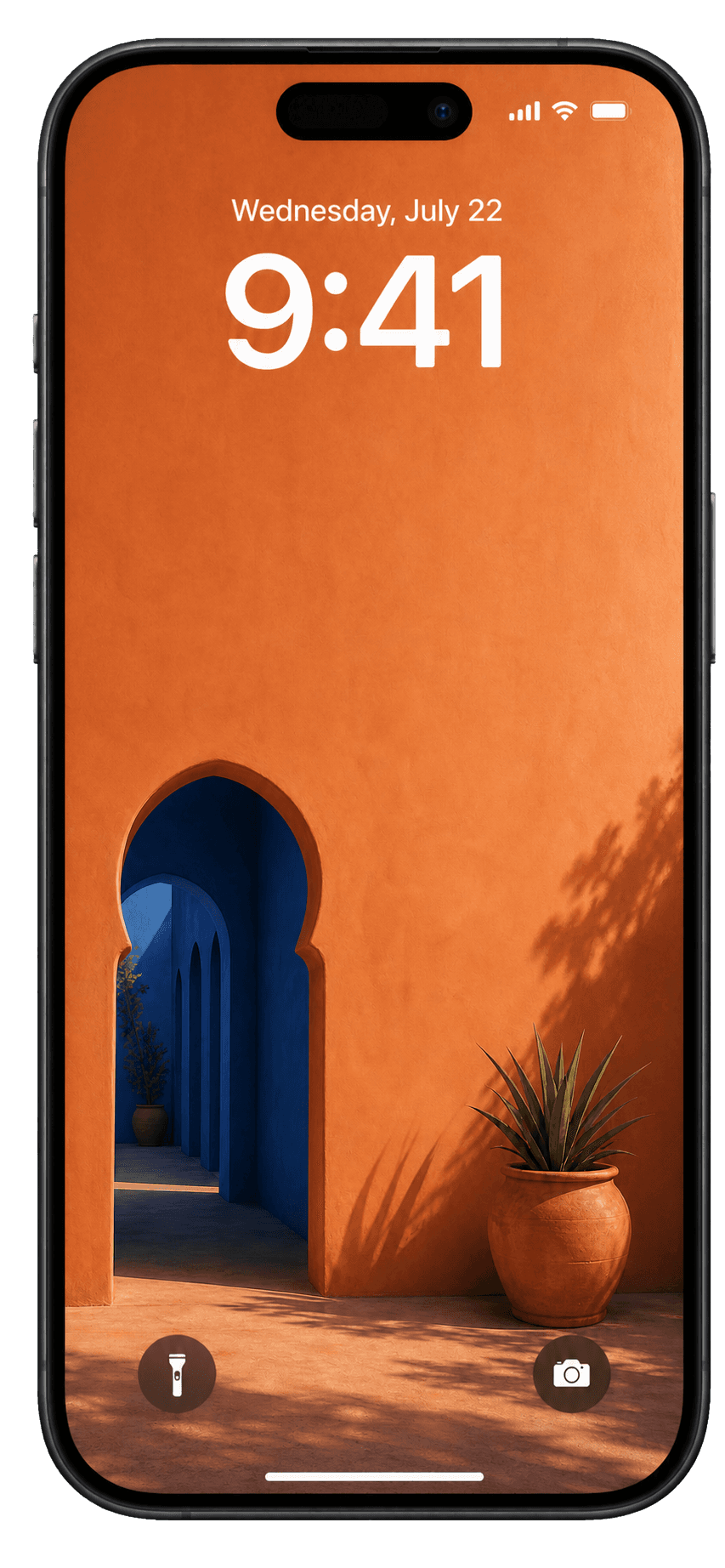
From idea to lock screen
Start with a subject, place, color palette, mood, or visual style.
Optionally use your own image to guide the subject or the look of the result.
Download the finished wallpaper, share it, or remix it in another direction.
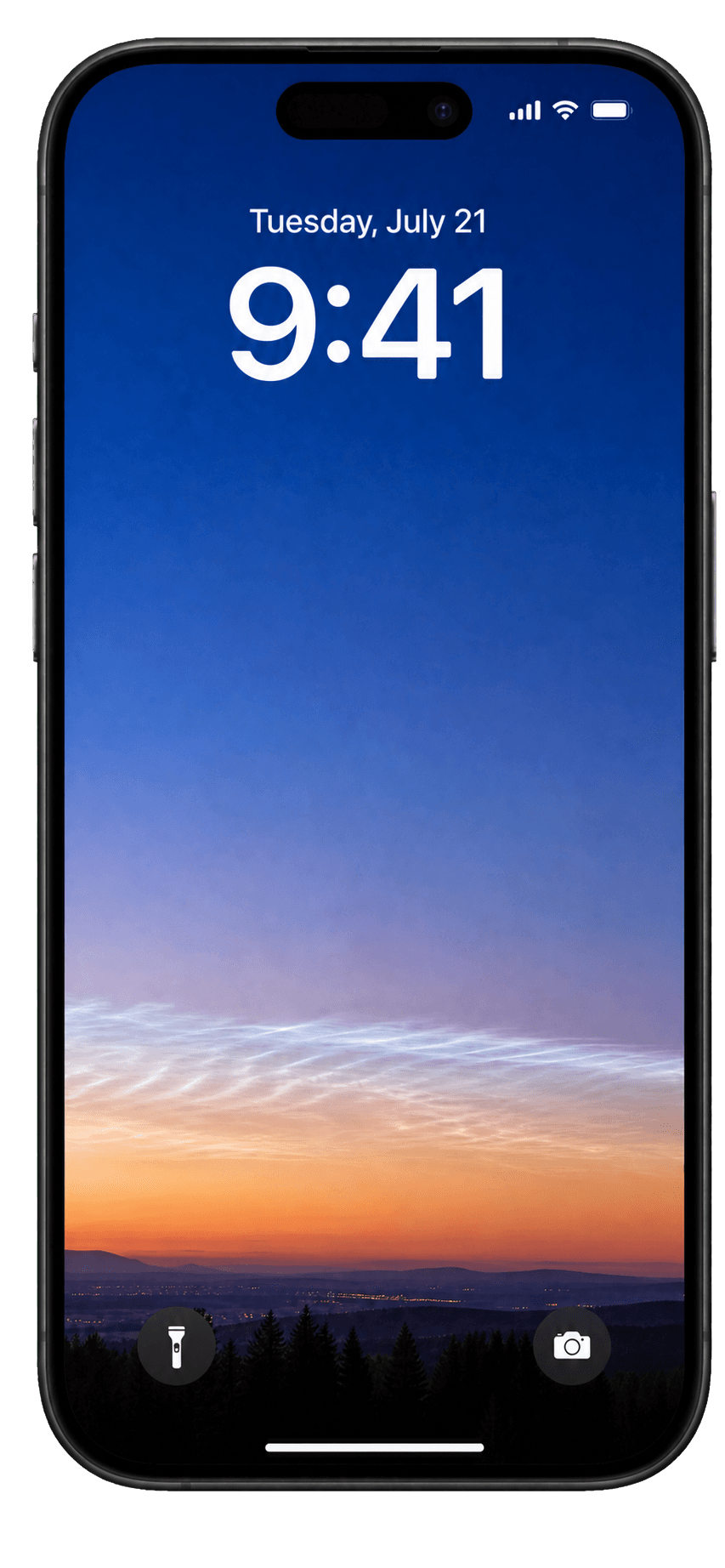
More than a text prompt
Choose a photo only when it adds something useful. Backdrop can preserve its subject, reinterpret its style, or use an existing wallpaper as the starting point for a remix.
Phone-first by design
Prompts favor compositions that leave room for the clock, widgets, and icons instead of hiding everything important.
Save favorites and ask for more or less like a wallpaper so future daily results can better reflect your taste.
AI wallpaper generator FAQ
An AI wallpaper generator turns a written idea into a new image. Backdrop guides that image toward a tall, phone-first composition designed to leave useful room for the clock, widgets, and icons.
Yes. Backdrop Pro lets you select a photo as a visual reference, then preserve its subject or restyle it. The selected source photo is used for that request and is not saved by Backdrop.
Yes. Backdrop creates vertical, phone-first images rather than treating a wallpaper as a crop of a landscape image. You can save the finished image to Photos and set it as your iPhone wallpaper.
Yes. Anyone can browse and save public wallpapers, and new accounts include three creation credits. Backdrop Pro adds daily personalized wallpapers, visual references, remixes, and monthly credits.
Download Backdrop, create your first custom wallpaper, and keep the ones you love close.